Hours Tracker – Work Hours Tracker & Shift Log
The ultimate time clock & shift tracker app for employees, contractors, and freelancers
Stop writing shift logs on paper. Hours Tracker is a dedicated work hours tracker, time clock, shift log, and timesheet generator for freelancers, contractors, hourly workers, and employees. Clock in, log breaks, compute overtime, and download reports instantly.
Why Choose Hours Tracker for Tracking Work Hours?
Whether you juggle one full-time role, coordinate multiple part-time jobs, work freelance client hours, or manage shifts as a contract worker, keeping clean records is critical. Hours Tracker is built to be simple, fast, and secure. Unlike heavy, bloated enterprise systems designed for corporate monitoring, Hours Tracker is focused solely on giving you a clear, honest tool to track your time, breaks, and pay.
Set custom hourly pay rates, define overtime thresholds, log daily breaks, and write shift-specific details. When it is time to get paid, generate professional PDF or CSV reports to share with clients, managers, or your own accounting records.
Powerful features built for everyday workers
Take control of your work schedule, earnings, and timesheets. Discover everything you can do right from your Android device.
Simple Work Hours Tracker
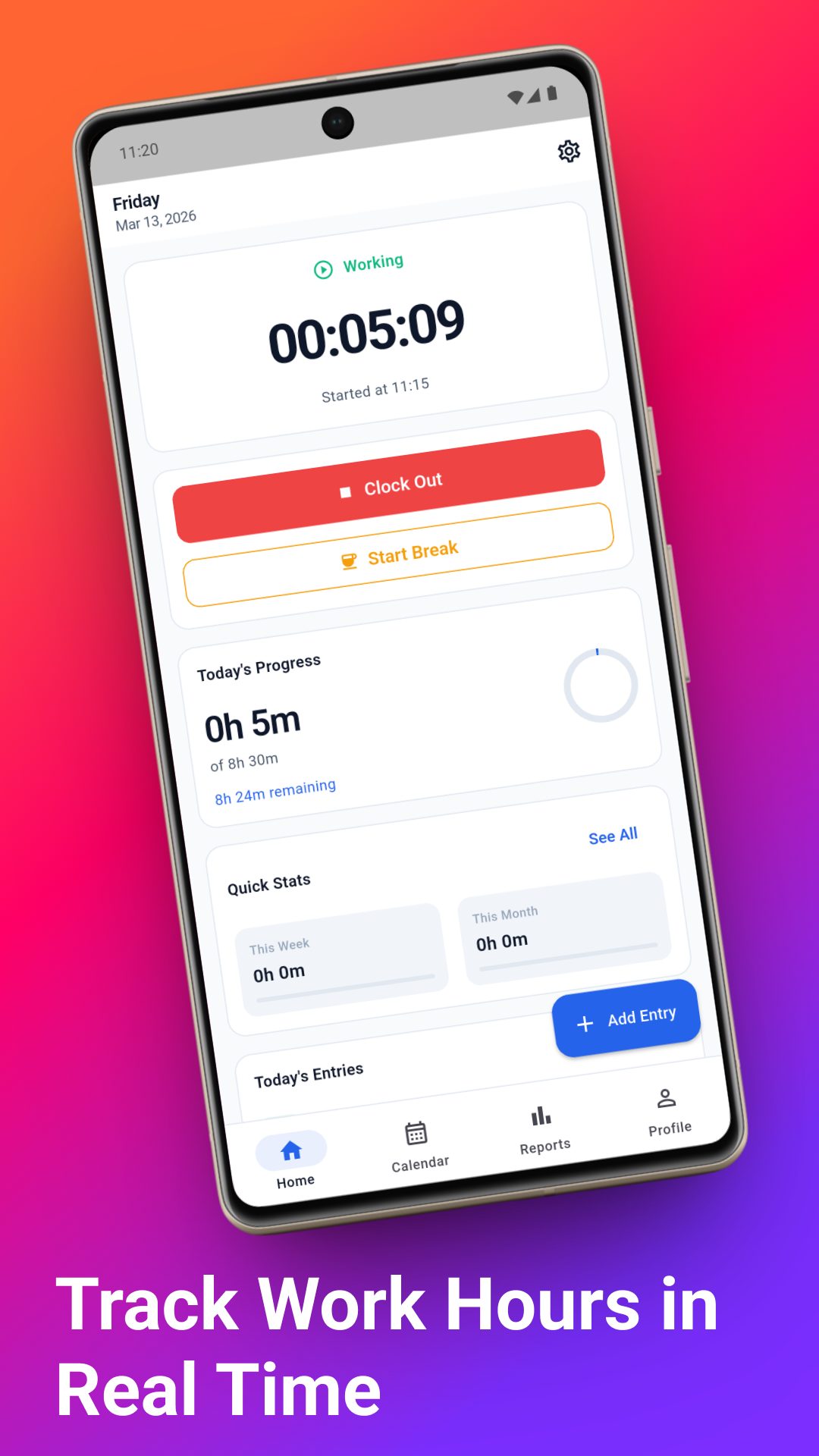
Clock in and clock out in seconds. A live shift timer shows exactly how long you have worked today so you never lose track of your time.
Flexible Break Tracking
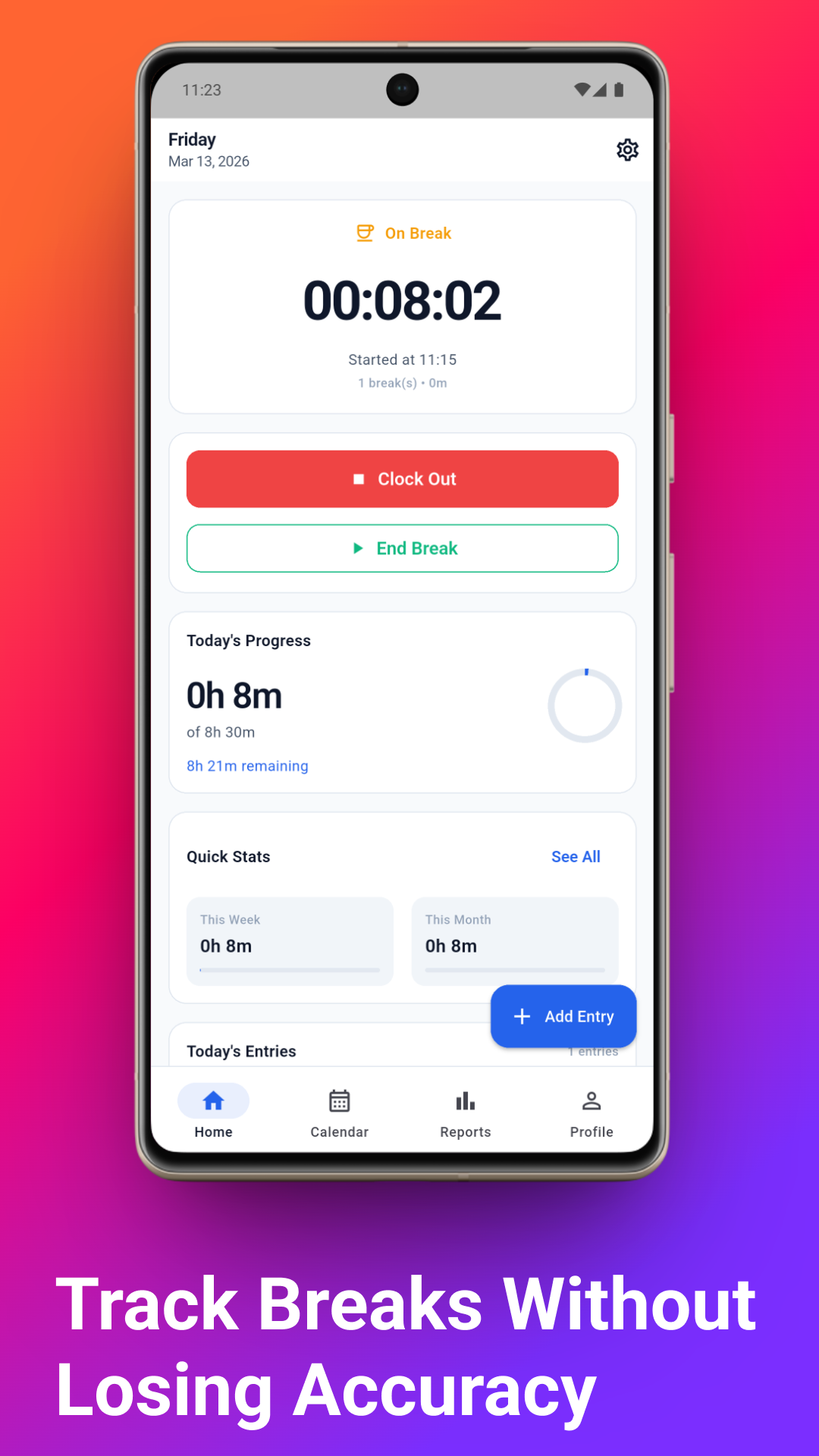
Track paid and unpaid breaks directly within each shift. Automatically deducts break times from your net work hours for precise timesheets.
Automatic Overtime Calculation
Configure custom overtime rules per job. Automatically calculates daily, weekly, off-day, and double overtime pay based on your settings.
Live Shift Reports & Charts
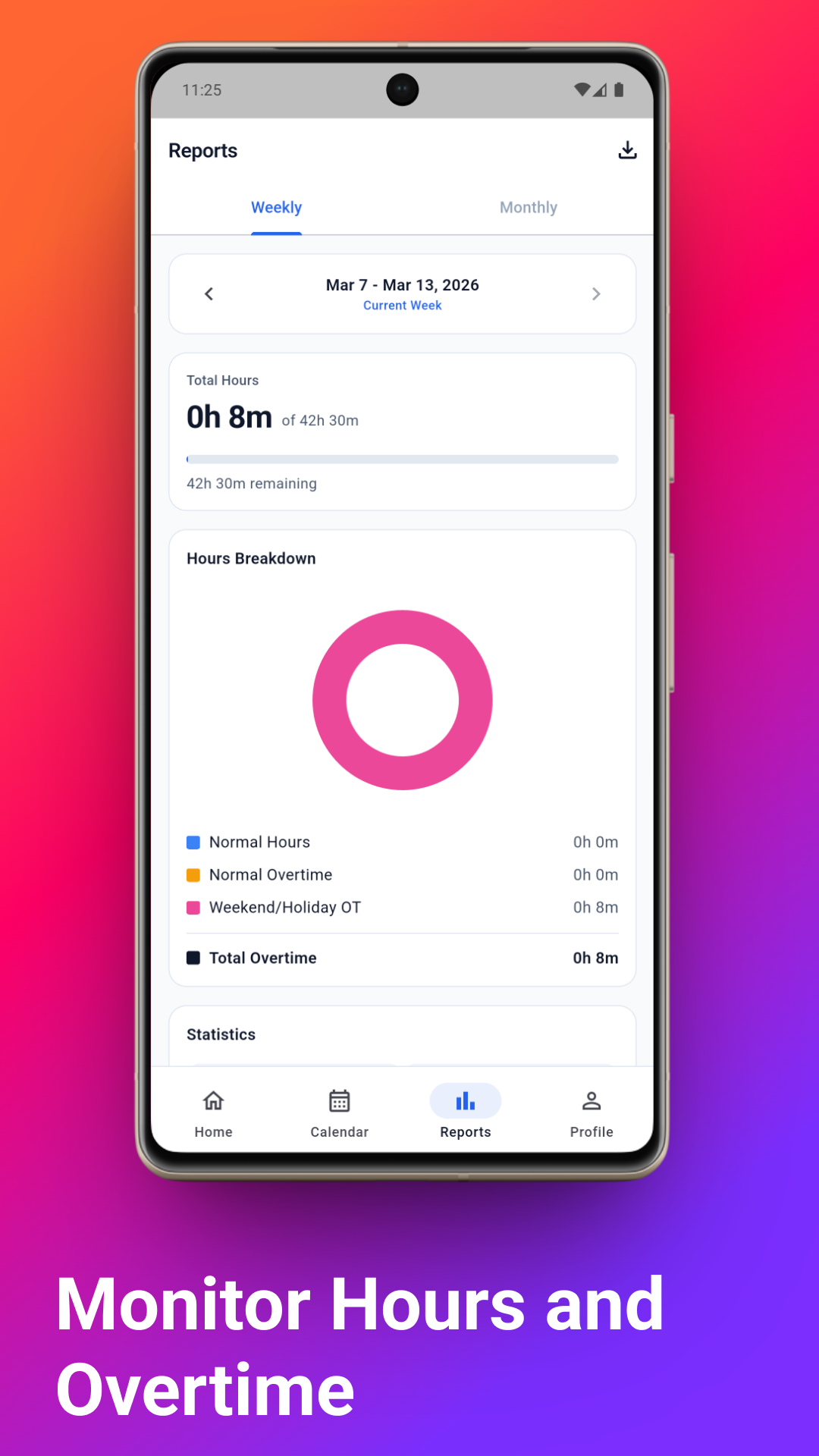
Visualize your working patterns, track accumulated hours, and review estimated earnings with clean weekly and monthly chart breakdowns.
Professional Timesheet Export
Generate clean CSV or PDF timesheets. Easily export and share your work history logs with employers, clients, or accounting departments.
Multi-Job & Client Workspaces
Work one job or multiple part-time gigs? Manage separate client workspaces, each with distinct hourly rates, schedules, and currencies.
Secure & Offline-First
Your privacy is our priority. All work records, notes, and earnings are stored securely on your phone. No signup or internet required.
Calendar & Manual Time Entry
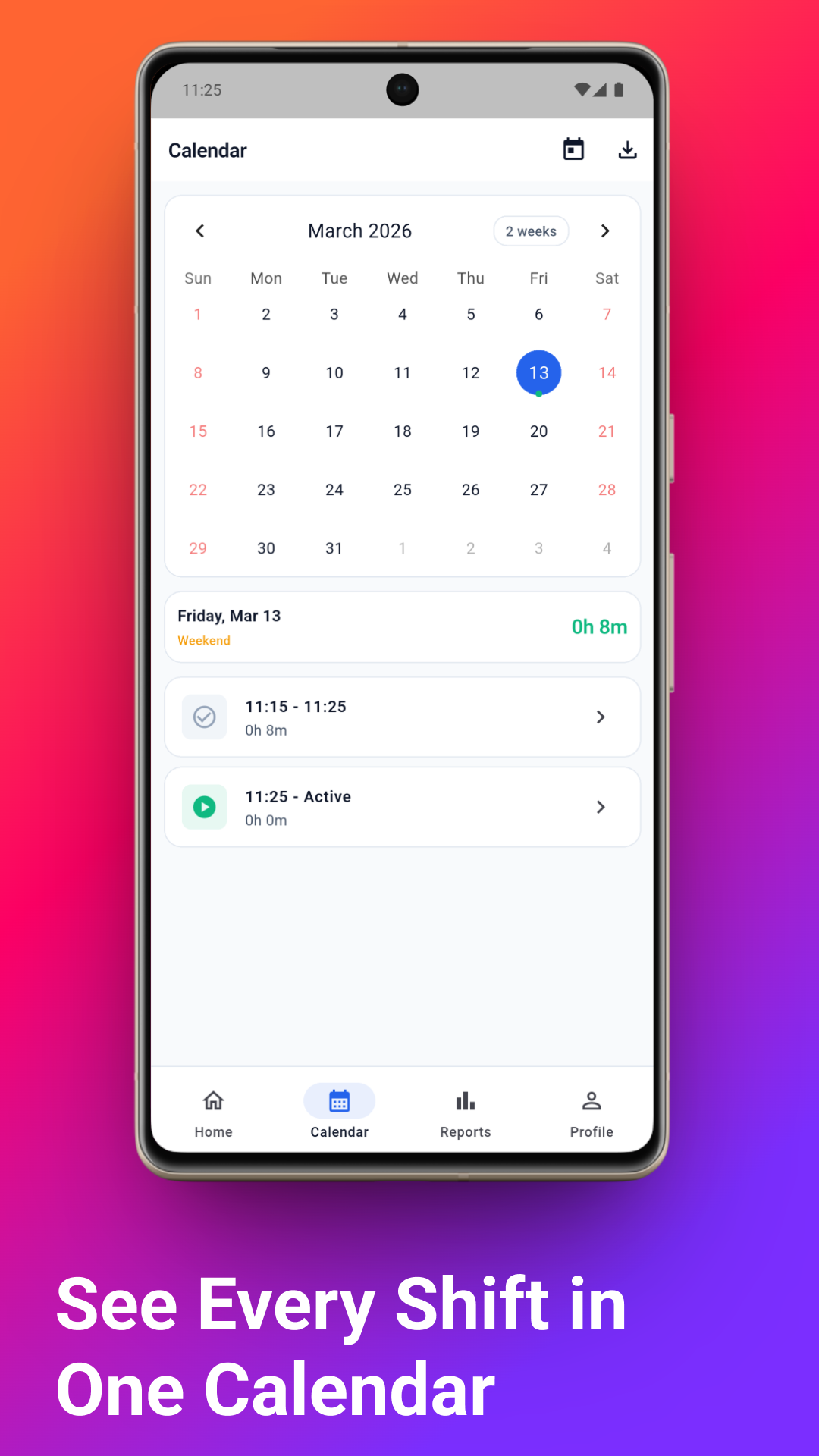
Forgot to clock in? Retroactively add missed punches, edit log times, adjust hourly pay rates, and add shift notes directly from the calendar.
A clean, distraction-free interface
A minimal interface built to save you time. See the screens you will be using daily.
Get started in 3 simple steps
- 1
Setup Your Jobs
Create distinct workspaces for every employer, freelance project, or gig. Define custom pay rates, breaks, and overtime limits for each.
- 2
Track Shifts & Breaks
Tap the clock in button to start a shift timer. Take breaks as needed. Feel free to log manual entries for shifts you forgot to track.
- 3
Export & Share Timesheets
Review automatic charts, verify pay estimates, and export logs to CSV or PDF timesheet formats. Send it directly to managers or keep for your files.

Download Hours Tracker Now
Take the stress out of tracking work hours. Keep accurate shift logs, organize your jobs, and export professional timesheets for free.

Compatible with Android · Offline-first by default · Cloud sync available
Need a quick calculation on the web?
Try our collection of free browser calculators. Fast, reliable, and completely free to use.